GB Instagram vs Instagram: 9 Differences That Matter (2026)
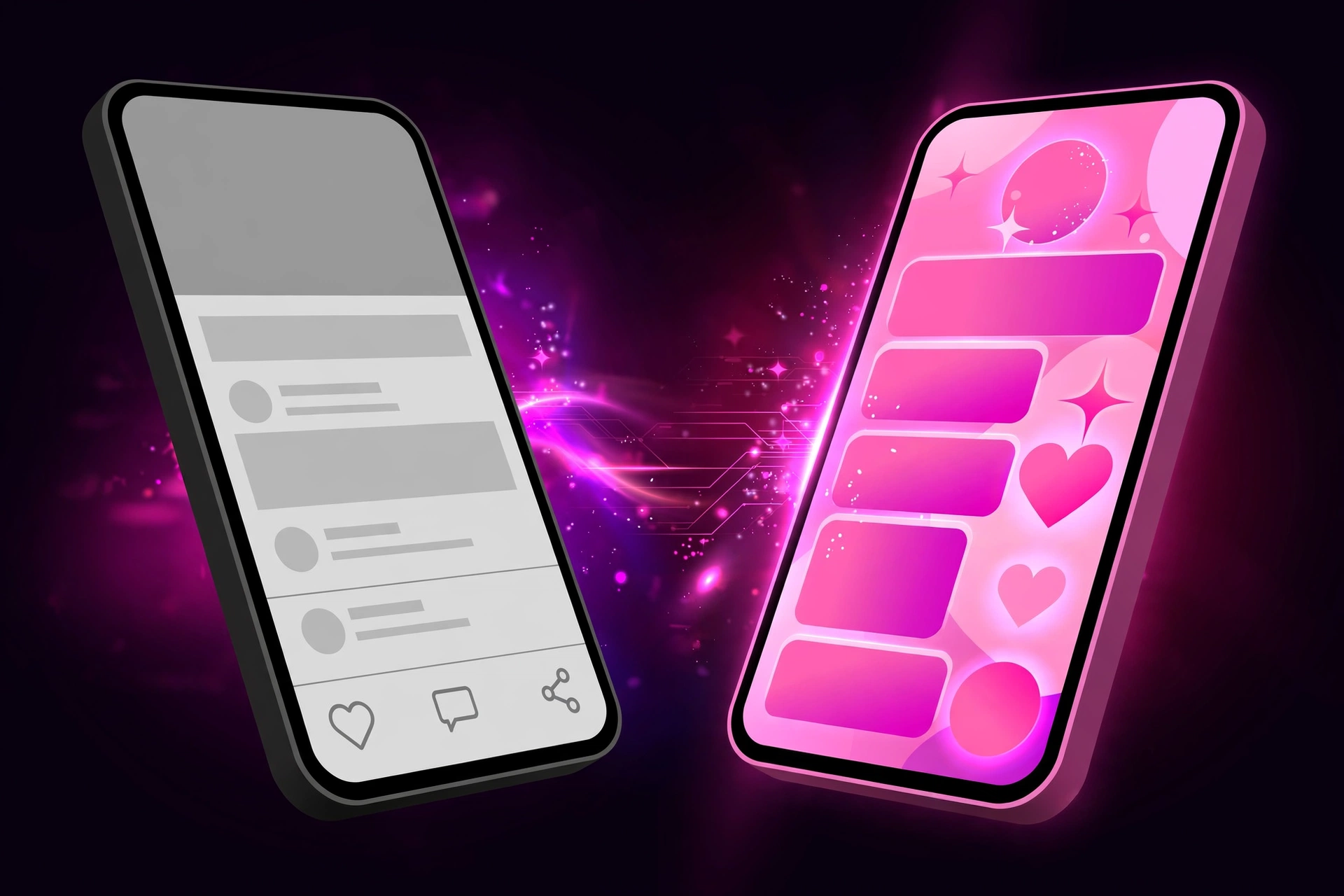
Both apps open the same feed, the same reels, the same DMs. So what are you actually getting when you switch? This GB Instagram vs Instagram breakdown covers the nine differences that matter in daily use — no marketing fluff.
1. Media Downloads
Official: No download button. You screen-record or use third-party tools.
GB: One-tap downloads for reels, photos, videos, and stories.
This alone is why most people switch. Our GB Instagram APK guide shows where the button sits. It is the clearest difference in the whole GB Instagram vs Instagram comparison: one tap instead of a workaround.
2. Story Privacy
Official: Everyone sees you viewed their story.
GB: Ghost mode — watch stories and live streams invisibly.
3. Read Receipts and Typing Status
Official: “Seen” and “typing…” always show.
GB: Hide both, read messages on your own schedule.
4. Themes and Customization
Official: Light or dark mode. That’s the whole menu.
GB: Full themes — colors, chat bubbles, fonts, even the app icon.
5. Feed Control
Official: Sponsored posts and suggested accounts mixed in.
GB: Hide ads, suggestions, and shopping tabs for a clean feed.
6. Copy and Translate
Official: Can’t copy captions or comments; translation is limited.
GB: Copy any text, translate inside the app.
7. App Lock and Chat Lock
Official: No built-in lock; you rely on your phone’s lock screen.
GB: PIN-lock individual chats or the entire app.
8. Availability and Updates
Official: Google Play, automatic updates, Meta support.
GB: Manual APK install, irregular updates from independent developers. The Pro build follows the same pattern with its own release pace.
9. Safety and Account Risk
Official: Zero risk — it’s Meta’s own app.
GB: Third-party mod; small risk of temporary blocks. Read our full breakdown: is GB Instagram safe.
Side-by-Side Summary
| Feature | Official Instagram | GB Instagram |
| Download reels/photos | No | Yes |
| Anonymous story viewing | No | Yes |
| Hide Seen/typing | No | Yes |
| Themes | Light/dark only | Full themes |
| Hide ads | No | Yes |
| Copy captions | No | Yes |
| Chat lock | No | Yes |
| On Google Play | Yes | No (APK) |
| Account risk | None | Small |
Which One Should You Use?
Stick with official if: your account is your livelihood, you hate manual updates, or you just want zero risk.
Try GB if: you download media often, want story privacy, or you’re bored of the stock look — and you’re willing to install updates yourself and test on a second account first.
Middle ground: run GB on a second device or an old phone (our old version list has light builds for slow phones) and keep official on your main phone.
Frequently Asked Questions
Q: Can I use both apps on one phone?
A: Yes — install a clone build of GB alongside the official app. They have different package names.
Q: Will switching delete my account data?
A: No. Your posts, followers, and DMs live on Instagram’s servers. Logging into either app shows the same account.
Q: Do my followers see that I use GB?
A: No. Everything looks normal from their side — themes and ghost mode only affect your phone.
Bottom Line
The official app wins on safety and convenience; GB wins on features and control. Most people who switch do it for downloads and story privacy — and stay for the themes.
This site is not affiliated with Instagram or Meta Platforms, Inc.