
You watch a reel you love. You want to keep it. But Instagram gives you no download button, only a bookmark.
That small problem sends millions of people searching for GB Instagram APK. It is a modified Instagram app for Android that lets you save photos, videos and stories, change the look of the app, and control what others see about your activity. It is free to download and use, but it is not made by Meta and it is not on the Google Play Store.
What Is GB Instagram?
GB Instagram is a modified version of the official Instagram app. Independent developers take the original app, add new features, and share it as an APK file you install manually. You will also see it called GBInsta, IG GB, or Instagram GB — all the same idea.
Key Features of GB Instagram APK
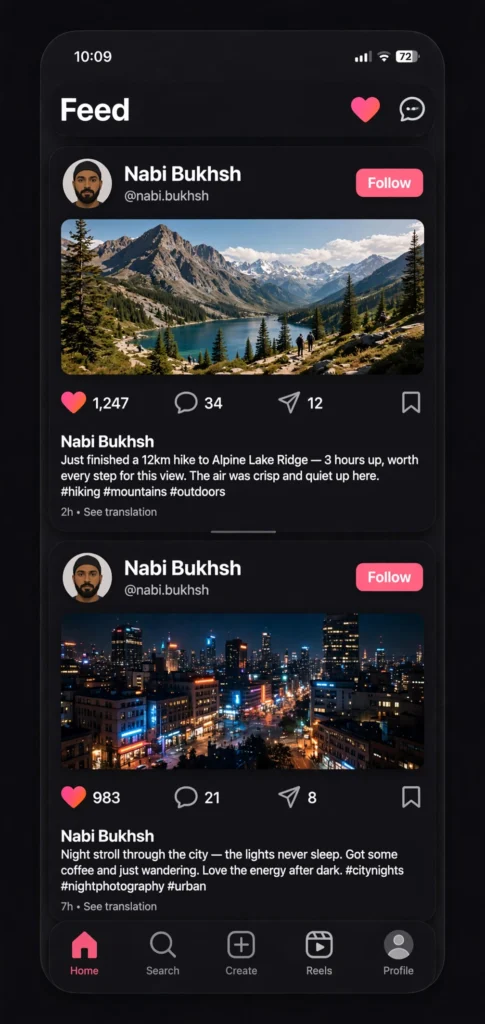
Here is what you get with GB Instagram APK on your Android phone.
Download Photos, Videos and Reels
Save any photo, video, reel, or story straight to your phone gallery with one tap.
No screen recording and no third-party downloader websites needed.
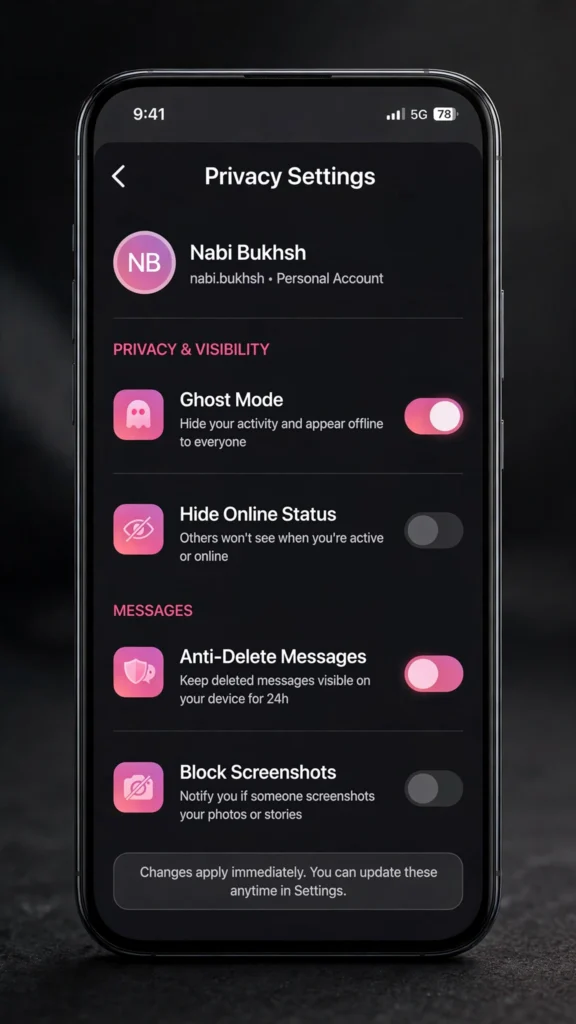
Privacy Controls
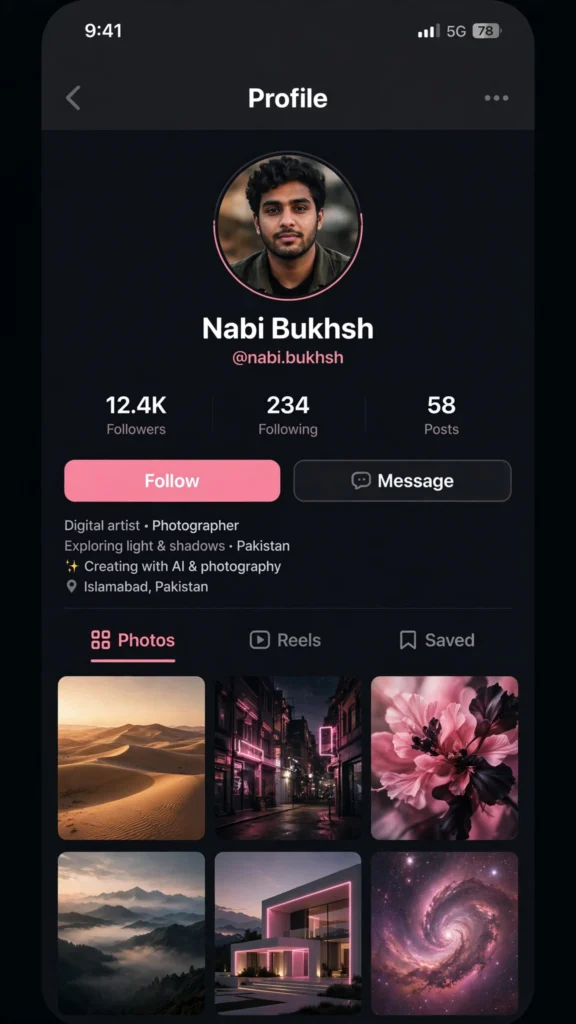
Control what others see about your activity on Instagram.
Browse stories, messages, and live streams without leaving a trace.
Themes and Customization
Pick light, dark, or fully custom themes. Change colors, backgrounds, fonts, and the app icon.
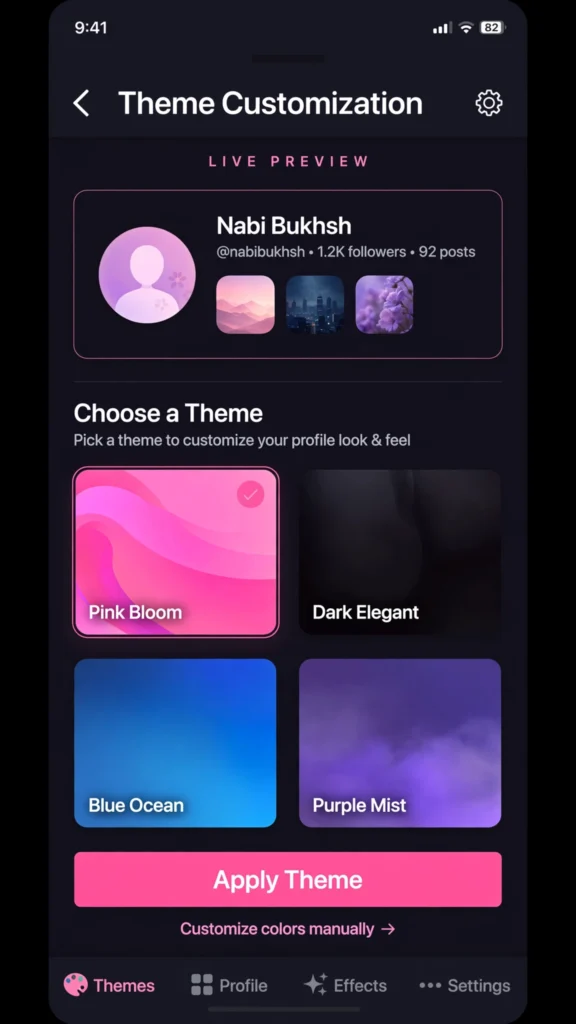
Chat Lock and App Lock
Lock single chats with a PIN, or lock the whole app on a shared phone.
Star Important Messages
Mark useful messages with a star and find them later without scrolling old chats.
Hide Ads and Suggested Posts
Remove sponsored posts, suggested accounts, and shopping items from your feed.
Built-in Translator
Translate comments, captions, and chats into your language without leaving the app.
Copy Comments, Captions and Bio
Long-press any caption, comment, or bio and copy it. The official app does not allow this.
High-Quality Media Sharing
Send photos and videos with less compression and better quality.
Full-Size Profile Pictures
Open any profile picture at full size and zoom in.
Multiple Accounts
Log in to personal and work accounts and switch fast. Some builds run next to the official app.
Privacy Features of GB Instagram
Ghost Mode for Stories
Watch anyone’s story without your name appearing in their viewer list.
Hidden Activity Status
Stay invisible while you browse:
Chat Lock
Lock private chats with a PIN or password.
App Lock
Lock the entire app so no one opens it on your phone.
Full-Screen Preview
View photos and reels without buttons and text covering the screen.
Requirements
To run GB Instagram, your device should meet these requirements:
How to Download and Install GB Instagram APK
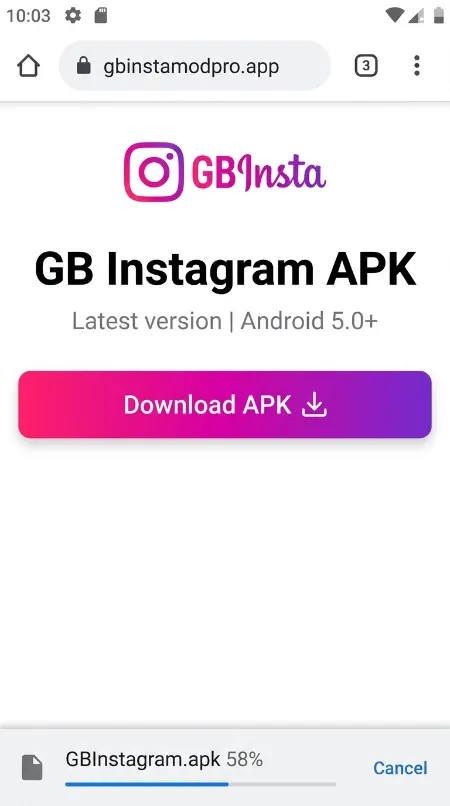
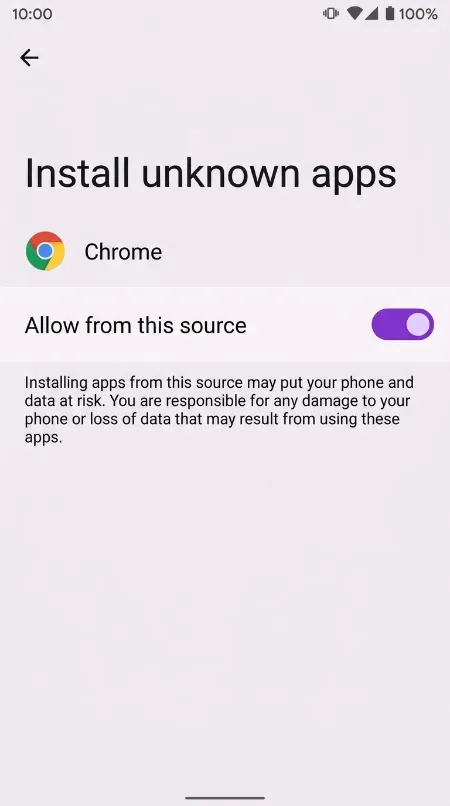
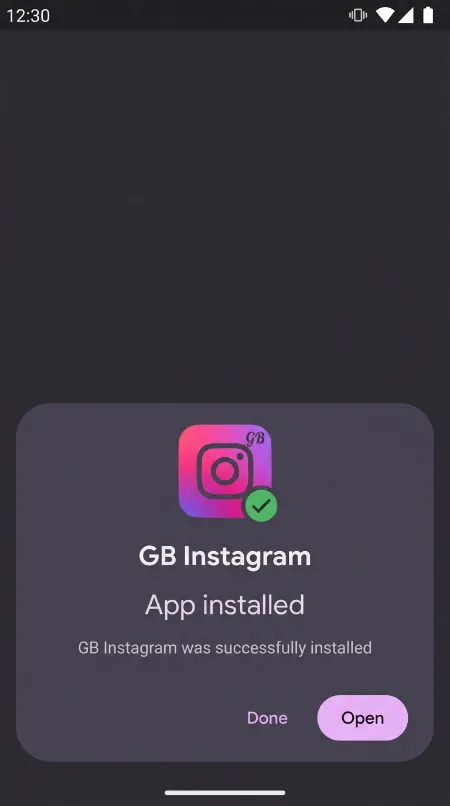
The install takes about two minutes. Follow these steps in order.
Common mistake: do not log in with Facebook. Use your Instagram username and password instead.
Pros and Cons of GB Instagram APK
Pros
Cons
Why GB Instagram Stands Out
The official Instagram app leaves out tools millions of people want every day.
What the Official App Does Not Give You
The official Instagram app has no media downloads, no anonymous story viewing, no hidden read receipts, and only a dark mode. GB Instagram adds all of these in one free app.
Popular With Millions of Android Users
GB Instagram download is one of the most searched mod app terms on Android, because it solves everyday frustrations: saving a reel you love, reading a message without pressure to reply, and making the app look the way you want.
Best Tips for Using GB Instagram
Get the most out of the app with these tips:

Keep the App Updated
Old builds break when Instagram changes its system. Always use the newest version your phone supports.

Test on a Second Account First
Try the features on a spare account before using your main profile.
Turn On Two-Factor Authentication
Use an authenticator app instead of text codes to protect your login.

Go Easy on Stealth Features
Heavy use of anonymous viewing draws more attention. Use it in moderation.
Final Verdict
GB Instagram APK gives Android users the tools Instagram leaves out: media downloads, anonymous story viewing, hidden read receipts, themes, and chat lock. Install it from a trusted source, keep it updated, turn on two-factor authentication, and test on a second account first. It works on PC through an emulator, but there is no iPhone version. Related guides: GB Instagram for PC, GB Instagram for iOS, GB Instagram old version.
Frequently Asked Questions