
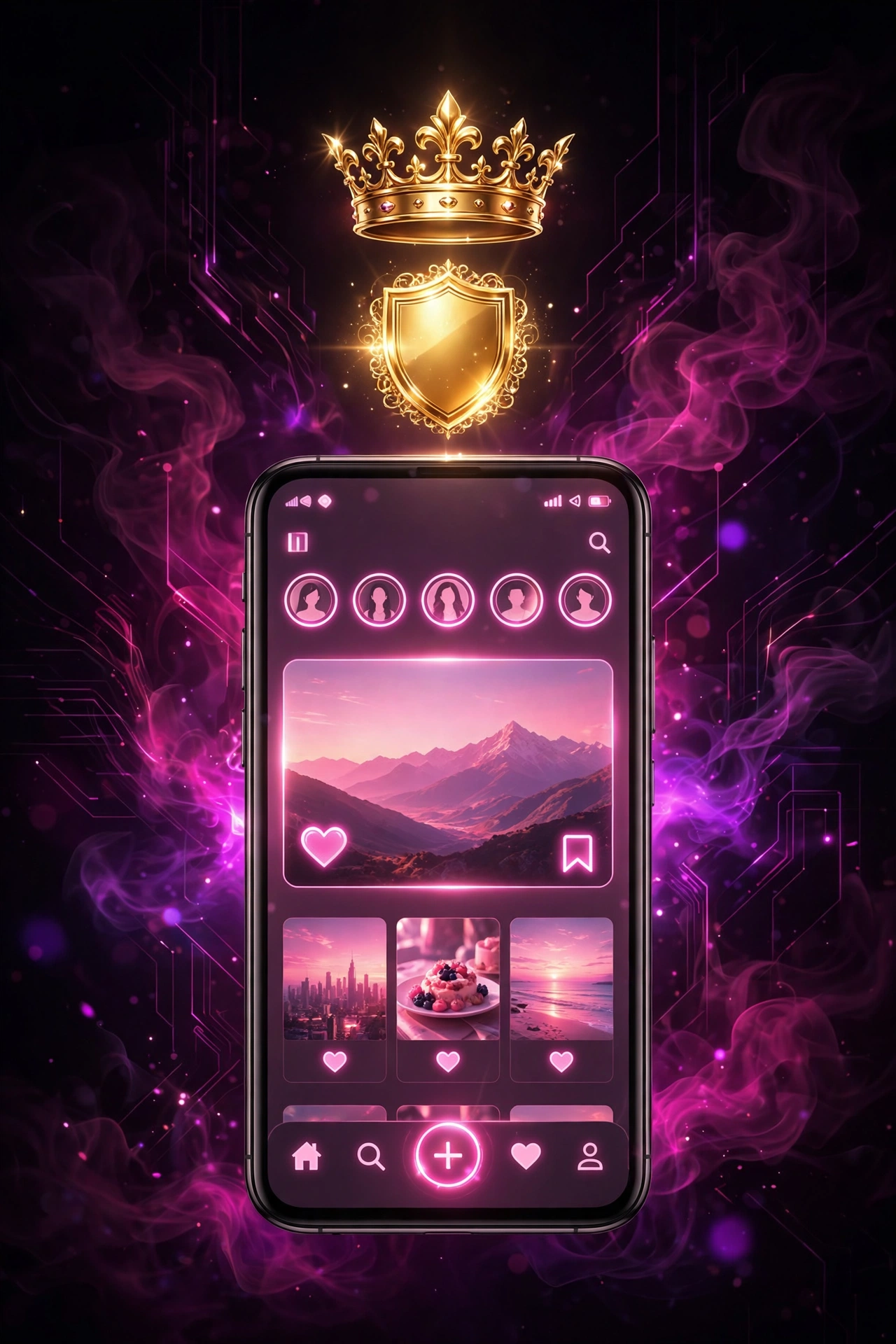
What Are GB Instagram Themes?
A GB Instagram theme is a style pack for the GB Instagram APK. It changes how the app looks without changing how it works.
A theme can change:
The official Instagram app only offers light and dark mode. Themes give you far more choice. They’re just one of many extras, so see our GB Instagram features guide for the full list.
Types of Themes in GB Instagram
| Theme Type | What It Looks Like | Best For |
|---|---|---|
| Dark / AMOLED | Pure black background | Night use, saving battery on OLED screens |
| Light Minimal | White with soft accents | Clean, simple look |
| Gradient | Two or more blended colors | A bright, modern feel |
| Pastel | Soft pinks, blues and greens | A calm, gentle style |
| Neon | Bright glowing colors on dark | Bold, eye-catching look |
| Vintage | Warm browns and faded tones | A classic photo-album feel |
| Monochrome | Black, white and grey only | Photographers and art accounts |
| iOS Style | Looks like Instagram on iPhone | Android users who like the iPhone design |
Best GB Instagram Themes to Try in 2026
AMOLED Black
A true black background. It’s easy on the eyes at night and uses less battery on phones with OLED screens. Dark looks are the most downloaded GB Instagram themes for a reason — they make photos and reels stand out, and the true-black design is the one most people keep as their everyday look.
iOS Look
Makes the app look like the iPhone version, with iPhone-style emoji. It’s one of the most popular themes. Curious whether the real app works on iPhone? Read our GB Instagram for iOS page.
Pastel Dream
Soft colors and rounded chat bubbles. It suits accounts that share art, fashion or lifestyle photos.
Neon Night
Glowing blue, pink and purple on a dark base. It gives reels and stories a bold frame.
Classic Monochrome
Everything in black and white. Your photos become the only color on screen, which photographers love.
How to Apply Themes in GB Instagram
Menu names differ a little between builds, but the steps are close to this:
- Open GB Instagram.
- Go to your profile and tap the GB settings icon.
- Open Themes.
- Browse the theme list or theme store.
- Tap a theme and choose Apply.
- Restart the app if it asks you to.
The new look shows up right away across your feed, explore section, stories and direct messages. That instant preview is what makes GB Instagram themes fun to experiment with — you can try five looks in a minute and keep the one that suits your profile. The theme reaches your chats too, so message threads get the same colors and bubble style.
The same steps work in GB Instagram Pro, which often comes with extra theme packs.
GB Instagram Themes Download: Getting More Themes
Built-in themes are only the start. For more options:
- Open Themes in GB settings.
- Tap Download Themes or the theme store option.
- Pick a theme and tap Download.
- Once it finishes, tap Apply.
Some builds also let you load theme files saved on your phone. Use the Load Theme option and pick the file from your storage.
Tip: Only download theme files from inside the app’s theme store or from sources you trust. A theme file should be small. A large file claiming to be a theme is a warning sign.
How to Make Your Own GB Instagram Theme
Want something nobody else has? Most builds have a custom theme editor.
- Open Themes, then Custom Theme or Create Theme.
- Pick your main background color.
- Set text and icon colors.
- Choose chat bubble colors for sent and received messages.
- Add a chat background image from your gallery.
- Save the theme and apply it.
Keep text and background colors far apart. Light text on a dark background, or dark text on a light one, stays easy to read.
Change the App Icon and Fonts
App icon: Go to GB settings, then Icon or Launcher Icon. Pick a new icon and restart the app.
Fonts: Go to GB settings, then Fonts. Pick a style and restart. Choose a clean font for chats, since fancy fonts can be hard to read in long messages.
Theme Problems and Fixes
| Problem | Fix |
|---|---|
| Theme didn’t apply | Close the app fully and open it again |
| Colors look mixed up | Reset to default theme, then apply the new one |
| App crashes after a theme | Clear app cache, then pick a different theme |
| Theme store won’t load | Check your internet and update to the latest version |
| Text is hard to read | Pick a theme with higher color contrast |
Frequently Asked Questions
Yes. All built-in themes and the theme store are free.
No. Themes only change the app on your phone. Your followers see your profile normally.
No. The official app only has light and dark mode, which follows your phone’s settings.
Open Themes in GB settings and tap Reset or Default Theme.
Conclusion
Themes turn a plain app into something that feels like yours. Key takeaways: